
📊 Full opportunity report: Build vs Buy a Prebuilt AI Workstation on ThorstenMeyerAI.com — validation score, market gap, and execution plan.

Get business pricing on tech for your team
- Business-only prices and quantity discounts
- Tax-exempt purchasing
- Multiple users, one account, clear invoices
TL;DR
In 2026, the traditional cost advantage of building your own AI workstation has diminished due to component shortages and price hikes. Buyers must now compare both options carefully, considering cost, time, and thermal management.
In 2026, the longstanding assumption that building your own AI workstation is cheaper than buying prebuilt has changed due to rising component costs and supply chain disruptions. This shift impacts professionals and hobbyists deciding how to acquire high-performance AI hardware, making the choice more complex and financially nuanced.
Component shortages and price spikes for DDR5 RAM, GPUs, and SSDs have increased the cost of DIY AI workstations, often surpassing prebuilt options that benefit from bulk purchasing. As a result, some prebuilt vendors now offer systems at prices that are difficult to match through individual component assembly, challenging the conventional wisdom that building is always cheaper.
Reputable prebuilt manufacturers like BIZON, Puget Systems, and Lambda perform extensive thermal validation, burn-in testing, and include warranties, reducing the technical and financial risks for buyers. These systems often come with pre-installed AI frameworks and optimized cooling solutions, saving time and effort for users who prioritize plug-and-play operation.
Meanwhile, DIY builders retain control over component selection, cooling, and upgradeability, and benefit from the educational value of assembling and tuning their own systems. This remains appealing for hobbyists, students, and those with specific customization needs, especially if they have the time and expertise to manage thermal optimization.
Build vs buy
an AI workstation.
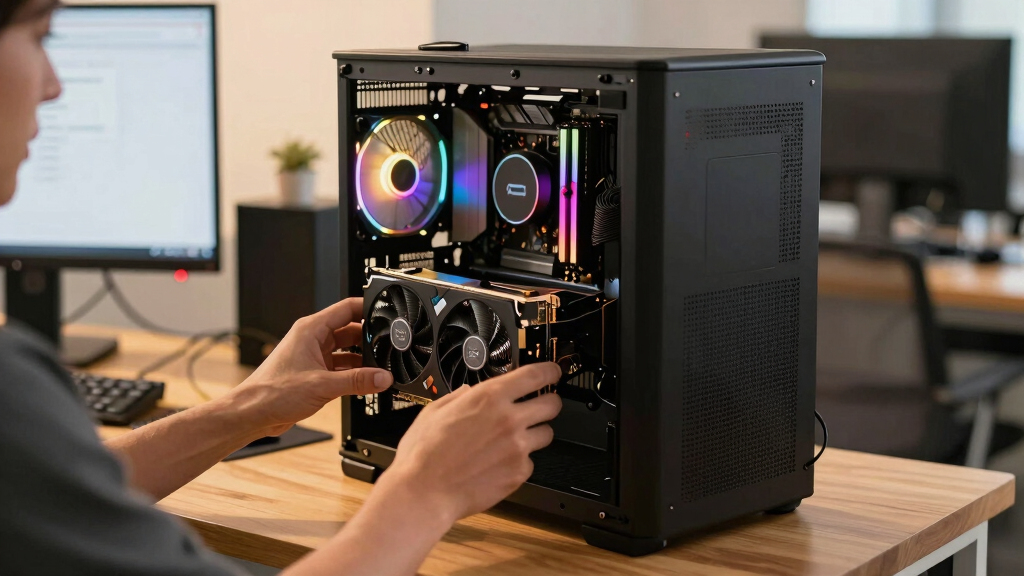
The real question behind this whole series: do you pull the five heat-and-noise levers yourself, or buy a prebuilt where the vendor pulled them for you? And in 2026, the old “building is cheaper” rule has broken. Match your situation in Part 3.
Why Cost and Supply Changes Alter the Build vs Buy Decision
The shift in component pricing and availability in 2026 means that the traditional cost advantage of DIY builds is no longer guaranteed. Buyers must now carefully compare the total costs of assembled prebuilt systems versus self-assembled rigs, factoring in time, thermal management, warranty, and support. This reevaluation affects how professionals and enthusiasts approach acquiring high-performance AI hardware, potentially shifting the market balance towards prebuilt solutions for many.
high performance AI workstation prebuilt
As an affiliate, we earn on qualifying purchases.
As an affiliate, we earn on qualifying purchases.
Component Shortages and Price Spikes Reshape the Market
Over the past year, global supply chain disruptions and increased demand driven by AI development have caused significant shortages and price hikes for key components like DDR5 RAM, high-end GPUs, and SSDs. Previously, building a high-performance AI workstation for under $1,000 was common; now, similar configurations often cost $1,250 or more, making DIY builds less financially advantageous.
Major prebuilt vendors anticipated these shortages by bulk purchasing, allowing them to offer systems at competitive prices despite market pressures. Many of these prebuilt systems undergo rigorous thermal validation and include warranties, reducing the technical burden on the user.
"The traditional rule that building is always cheaper has been broken by 2026's component shortages and price spikes."
— Thorsten Meyer, AI hardware expert
As an affiliate, we earn on qualifying purchases.
Unresolved Questions About Long-Term Upgradability
It remains unclear how long the current component shortages and price hikes will persist, and whether prebuilt vendors will continue to offer systems at competitive prices. Additionally, the extent of future thermal and performance validation for DIY versus prebuilt systems remains to be seen, especially as new AI hardware emerges.
As an affiliate, we earn on qualifying purchases.
Future Market Trends and Pricing Developments
Expect ongoing fluctuations in component prices and availability through 2026. Buyers should continue to compare specific configurations and vendor offerings, considering evolving supply chain conditions. Manufacturers may introduce new thermal management solutions and warranty options, further influencing the build versus buy calculus.
As an affiliate, we earn on qualifying purchases.
Key Questions
Is building my own AI workstation still cheaper in 2026?
Not necessarily. Due to component shortages and price increases, prebuilt systems can now match or even surpass the cost-effectiveness of DIY builds, especially when factoring in time and thermal management efforts.
What are the main advantages of buying a prebuilt AI workstation?
Prebuilts offer plug-and-play setup, validated thermal performance, comprehensive warranties, and pre-installed AI frameworks, saving time and reducing technical risks.
Can I upgrade a prebuilt AI workstation later?
It depends on the system design. Many high-end prebuilt workstations allow upgrades, but some may have limited expansion options. Always check the vendor's upgrade policy before purchase.
How do component shortages affect future prices?
Supply chain disruptions are expected to continue influencing component prices and availability, potentially maintaining high costs for DIY parts through 2026.
What should I consider when choosing between build and buy?
Evaluate your budget, time availability, technical expertise, thermal management needs, and whether you should build or buy a prebuilt AI workstation.
Source: ThorstenMeyerAI.com
Halloween Picks
halloween
As an affiliate, we earn on qualifying purchases.