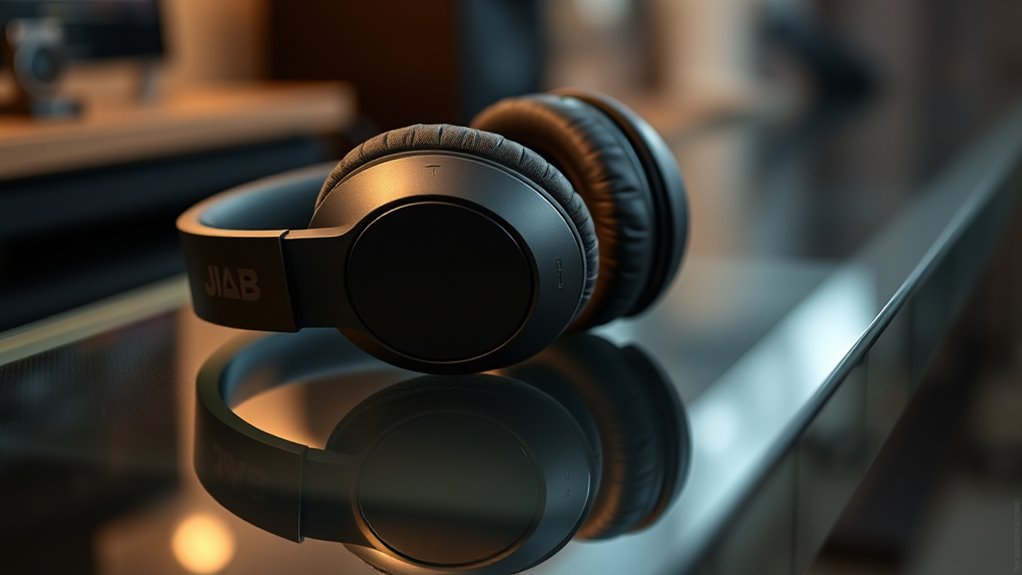

To master spatial audio with your JLAB Epic Lux Lab Edition headphones, start by calibrating your device in a quiet environment using dedicated tools or software to fine-tune sound profiles. Focus on adjusting settings for accurate sound positioning, and regularly check and recalibrate to maintain precision. Choose high-quality spatial audio content that emphasizes movement and depth. Proper calibration enhances immersion, clarity, and realism, turning your headphones into a true portal to lifelike soundscapes—continue to uncover how to optimize your setup even further.

Get business pricing on tech for your team
- Business-only prices and quantity discounts
- Tax-exempt purchasing
- Multiple users, one account, clear invoices
Key Takeaways
- Regularly calibrate your JLAB Epic Lux Lab Edition headphones in a quiet environment using dedicated tools for optimal spatial accuracy.
- Use high-quality spatial audio content and focus on how sounds move and position around you for a more immersive experience.
- Fine-tune your device’s audio settings to balance clarity, separation, and depth, enhancing sound movement and localization.
- Minimize external noise during calibration and listening sessions to ensure precise adjustments and accurate spatial perception.
- Continually monitor and recalibrate your headphones to maintain consistent performance and maximize the realism of spatial audio playback.
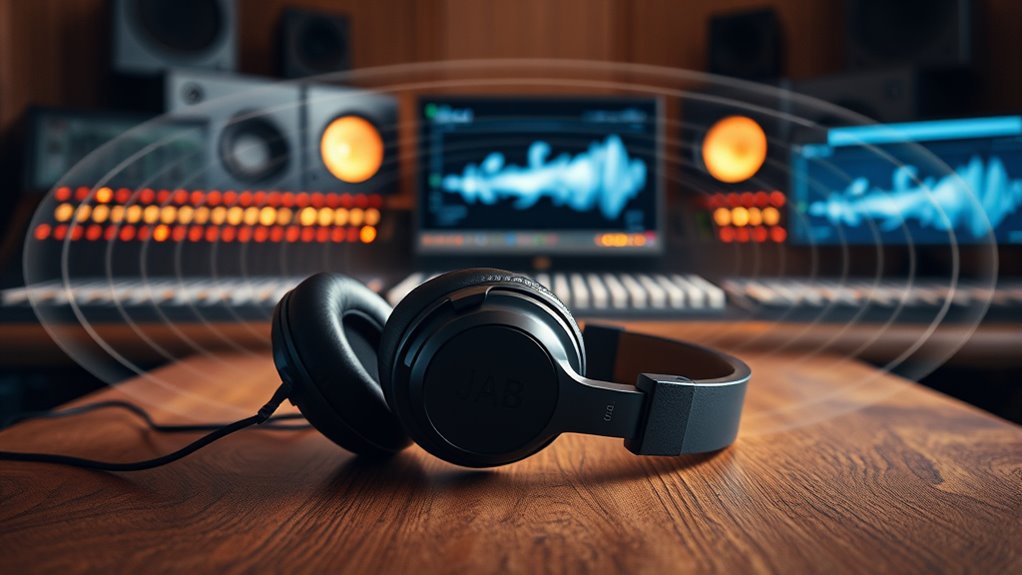
Spatial audio has revolutionized the way we experience sound, immersing listeners in a three-dimensional environment that feels incredibly real. To truly harness this technology with your JLAB Epic Lux Lab Edition headphones, you need to focus on proper headphone calibration. Calibration isn’t just about adjusting volume; it’s about fine-tuning your headphones to match the specific sound profile that enhances spatial audio. When you calibrate correctly, you ensure that each sound source is positioned accurately in space, creating a convincing immersive experience. This process involves using dedicated calibration tools or software that analyze your headphones’ response and adjust settings accordingly. By doing so, you eliminate inconsistencies that can distort the sense of directionality, making your listening experience more natural and precise.
Once your headphones are calibrated, you can fully enjoy the immersive experience spatial audio offers. The key is understanding how to optimize your setup. Start by choosing high-quality content specifically designed for spatial audio; this ensures your headphones deliver the intended three-dimensional soundscape. When listening, pay attention to how sounds move around you—whether it’s a virtual helicopter flying overhead or footsteps approaching from behind. The more accurately your headphones are calibrated, the more convincing these movements will feel. Additionally, take advantage of your device’s audio settings to fine-tune the balance and ensure the sound isn’t overly centered or skewed, which can detract from the immersive experience.
Your JLAB Epic Lux Lab Edition headphones are built to deliver exceptional spatial audio, but only if you take the time to calibrate them properly. This step maximizes their potential and creates a more engaging, lifelike environment. Remember, calibration isn’t a one-time task; it’s an ongoing process that might need adjustments as you switch between different devices or audio sources. Regularly checking and recalibrating ensures consistent performance. Also, consider the environment you’re in—minimize external noise and choose a quiet space for calibration to get the most accurate results. Once calibrated, you’ll notice a significant improvement in how sounds are perceived, with clearer separation and a more convincing sense of depth and placement.
Proper headphone calibration is essential for achieving accurate spatial perception, transforming your listening experience into a fully immersive environment. In essence, headphone calibration is the foundation of an immersive experience with spatial audio. When done correctly, it transforms your JLAB Epic Lux Lab Edition headphones from standard audio devices into portals that place you right inside the scene. Achieving this level of realism requires attention to detail, but the payoff is worth it—an audio environment that surrounds you completely, making every listening session captivating and authentic.
spatial audio calibration software for headphones
As an affiliate, we earn on qualifying purchases.
As an affiliate, we earn on qualifying purchases.
Frequently Asked Questions
Can Spatial Audio Be Used Without Compatible Content?
Yes, you can use spatial audio without compatible content, but your experience will be limited. Spatial audio relies on content compatibility and device requirements, so if the content isn’t optimized for it, you won’t get the full immersive effect. Without compatible content, your headphones still function normally for stereo sound, but to enjoy spatial audio features, confirm your device supports it and the content is specifically designed for spatial audio experiences.
Does Spatial Audio Affect Battery Life Significantly?
Did you know that using spatial audio can increase power consumption by up to 15%? It definitely impacts battery life, as spatial audio features tend to cause additional battery drain due to enhanced processing. You might notice quicker battery depletion or increased power consumption during extended use. To optimize, turn off spatial audio when not needed, helping conserve power and extend your headphone’s battery life.
How Does Room Acoustics Impact Spatial Audio Quality?
Room acoustics considerably impact your spatial audio experience. Room reflections can cause echoes that muddle sound positioning, while sound absorption helps reduce these reflections, enhancing clarity. When your space has good absorption, spatial cues become sharper, making your audio feel more immersive. To optimize quality, consider adding soft furnishings or acoustic panels, which minimize reflections and create a balanced environment for the best spatial audio performance.
Is Spatial Audio Available on All Devices?
Spatial audio isn’t available on all devices, as device compatibility varies. You need compatible hardware and software, like certain smartphones, tablets, or computers, to experience it. Additionally, your device must support specific audio formats such as Dolby Atmos or DTS:X. Check your device’s specifications and confirm your apps or streaming services offer spatial audio features to fully enjoy immersive sound.
Can I Customize Spatial Audio Settings?
Yes, you can customize spatial audio settings on your JLAB Epic Lux Lab Edition headphones. By using headphone customization options and adjusting the audio calibration, you can tailor the spatial sound experience to your preferences. Explore the headphone app or device settings to fine-tune the spatial audio, ensuring immersive sound that perfectly matches your listening environment and personal taste. This way, you get ideal, personalized audio performance.
high-quality spatial audio content for headphones
As an affiliate, we earn on qualifying purchases.
As an affiliate, we earn on qualifying purchases.
Conclusion
Now that you’ve learned how to optimize your JLab Epic Lux Lab Edition headphones for spatial audio, you’re well on your way to an immersive listening experience. Remember, mastering this tech takes practice, so don’t throw in the towel if it feels tricky at first. Keep experimenting, and soon you’ll be in the driver’s seat of truly 3D sound. The ball’s in your court now—dive in and make your audio setup shine!
JLAB Epic Lux Lab Edition headphones accessories
As an affiliate, we earn on qualifying purchases.
As an affiliate, we earn on qualifying purchases.
noise-canceling headphone calibration tools
As an affiliate, we earn on qualifying purchases.
As an affiliate, we earn on qualifying purchases.
Fall Picks
fall essentials
As an affiliate, we earn on qualifying purchases.