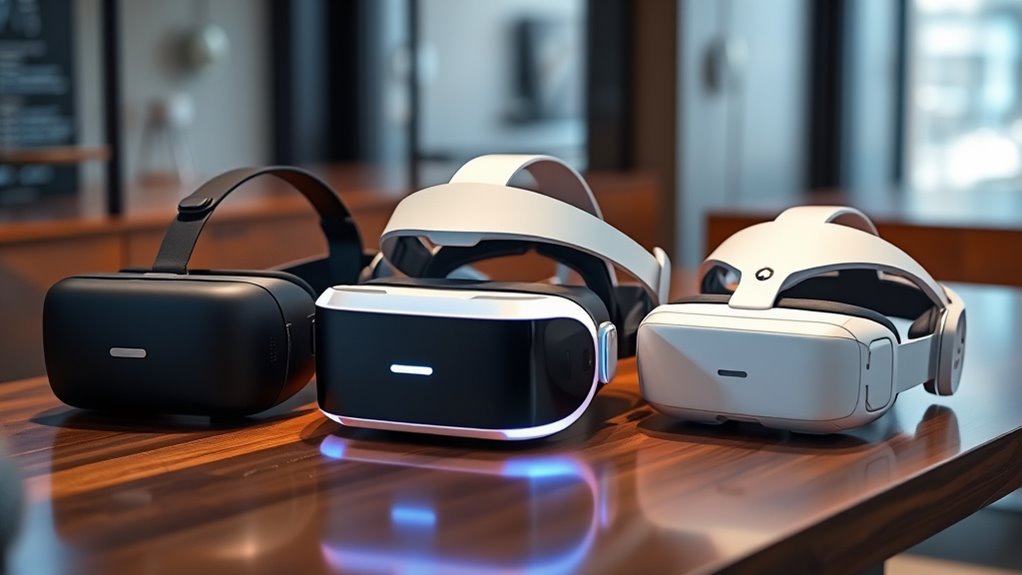

To choose the right VR/AR headset, focus on comfort features like adjustable straps, cushioned padding, and lightweight design to prevent fatigue. Guarantee the fit is snug but not tight, and look for easy adjustments. Consider technical specs such as refresh rate and IPD to enhance visual clarity and reduce eye strain. Prioritize models with breathable materials and balanced weight distribution for extended use. Keep exploring to discover how these details can help you find the perfect headset for your needs.

Get business pricing on tech for your team
- Business-only prices and quantity discounts
- Tax-exempt purchasing
- Multiple users, one account, clear invoices
Key Takeaways
- Prioritize adjustable straps and cushioned padding for a comfortable, secure fit during extended use.
- Consider technical features like refresh rate, IPD adjustment, and latency to reduce motion sickness.
- Choose lightweight, well-balanced headsets to minimize neck strain and fatigue.
- Ensure controls and sensor placement are ergonomic and easy to access for seamless interaction.
- Test the headset in short sessions to assess comfort, fit, and overall usability before committing.

With so many VR and AR headsets available today, choosing the right one can feel overwhelming. You need to take into account how comfortable it is to wear for extended periods, especially since comfort and fit directly impact your overall experience. If a headset doesn’t feel secure or causes discomfort, you’ll likely find yourself taking breaks more often or even abandoning it altogether. The first thing to look at is how well the headset fits your head. Adjustable straps, cushioned padding, and a lightweight design can make a significant difference. A snug fit prevents the device from shifting during movement, which enhances immersion and reduces fatigue. Remember, a headset that’s too tight can cause pressure points, while one that’s too loose might cause instability and distract you from your experience. Additionally, considering the material and breathability of the padding can greatly improve comfort during long sessions, especially if you tend to sweat.
Another critical aspect is how the headset handles motion sickness. If you’re prone to nausea or dizziness, this factor becomes even more important. Some headsets have higher refresh rates and lower latency, which can minimize motion sickness by providing smoother visuals. Features like adjustable interpupillary distance (IPD) allow you to customize the lenses for sharper images, reducing eye strain and discomfort. It’s also worth pondering whether the device offers options to limit rapid movements or has built-in comfort settings designed to reduce disorientation. If you’re planning to use the headset for long sessions, look for models with ventilation or breathable padding to keep your face cool and prevent sweating, which can contribute to discomfort.
Handling motion sickness is crucial; opt for headsets with higher refresh rates, adjustable IPD, and breathable padding for comfort during long sessions.
Furthermore, comfort and fit aren’t just about the physical design—they also relate to how easy it is to put on and take off the device. A headset with quick-adjust mechanisms can save you frustration, especially if you switch between users or need to adjust the fit frequently. The weight distribution matters too; a well-balanced headset reduces neck strain and keeps you comfortable over time. Additionally, consider the placement of the controllers and tracking sensors, as poor ergonomics can lead to awkward hand movements or fatigue. When selecting a headset, it’s helpful to research ergonomic design features that enhance comfort and usability for extended use.
Ultimately, the best VR or AR headset for you balances comfort, fit, and technical features that minimize motion sickness. Take the time to try different models if possible, paying close attention to how they feel after 20 to 30-minute sessions. The right choice will feel natural, lightweight, and secure, making your virtual adventures more enjoyable and less taxing physically. By prioritizing comfort and fit alongside technical specifications, you ensure a more immersive, comfortable, and satisfying experience every time you put on your headset.
As an affiliate, we earn on qualifying purchases.
Frequently Asked Questions
How Do I Ensure My Headset Is Compatible With My PC or Console?
To guarantee your headset is compatible with your PC or console, check its hardware compatibility and connection requirements first. Verify that your device meets the headset’s minimum specifications, like GPU, CPU, and ports. Look at connection types—USB, HDMI, or DisplayPort—and confirm your device supports them. Read manufacturer guidelines, and if needed, update drivers or firmware. This way, you avoid connectivity issues and enjoy seamless VR or AR experiences.
What Are the Best Options for Long-Duration VR Sessions?
For long-duration VR sessions, you want a headset with excellent comfort considerations and extended battery life. Opt for models with adjustable straps, cushioned face padding, and lightweight designs to reduce fatigue. Look for headsets with long-lasting batteries or options for external power sources. Taking breaks regularly and adjusting fit can also improve comfort, ensuring you enjoy immersive experiences without discomfort or interruptions.
How Important Is Field of View in Choosing a Headset?
Field of view is essential because it directly impacts your visual immersion and peripheral awareness. A wider FOV makes you feel more surrounded by the virtual environment, enhancing realism and engagement. If you prioritize immersive experiences or gaming, choosing a headset with a larger FOV helps you stay alert to your surroundings and maintain a seamless connection with the virtual world. Don’t overlook this aspect when selecting your headset.
Can I Use a Single Headset for Both VR and AR Applications?
Yes, you can use a single headset for both VR and AR applications, but it depends on the hardware versatility and mixed reality capabilities. Some headsets are designed with adjustable lenses and sensors that adapt to different environments, offering seamless shifts. However, not all devices support both modes equally well. Check if the headset’s specifications include mixed reality features, ensuring it can handle the diverse demands of VR and AR experiences.
What Safety Features Should I Look for in a Vr/Ar Headset?
When selecting a VR/AR headset, prioritize safety features like eye protection and ergonomic design. Look for headsets with adjustable straps and cushioned padding to guarantee comfort during extended use. Eye protection features, such as anti-glare lenses or blue light filters, help reduce eye strain. An ergonomic design minimizes fatigue and discomfort, so you can enjoy immersive experiences safely and comfortably without risking strain or injury.
lightweight AR headset with breathable padding
As an affiliate, we earn on qualifying purchases.
As an affiliate, we earn on qualifying purchases.
Conclusion
Choosing the right VR or AR headset depends on your specific needs and budget. Did you know that the global VR market is expected to reach $45 billion by 2027? Whether you’re into gaming, professional work, or immersive learning, selecting the right device enhances your experience. Take the time to compare features and consider your goals. With the right headset, you’ll open endless possibilities and fully enjoy the incredible virtual worlds waiting for you.
As an affiliate, we earn on qualifying purchases.
As an affiliate, we earn on qualifying purchases.
Halloween Picks
halloween
As an affiliate, we earn on qualifying purchases.