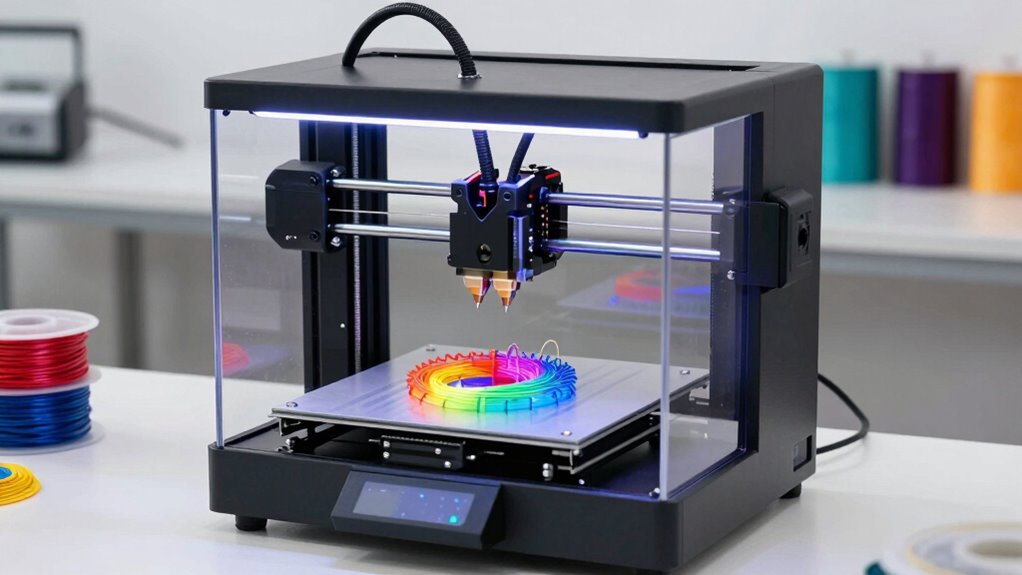

When starting with a 3D printer, it’s important to understand filament types like PLA, ABS, and PETG to pick the right one for your projects. Focus on the printer’s setup, calibration, and user interface to guarantee smooth operation, and pay attention to print resolution and build volume for quality results. Proper bed adhesion and knowing your limitations help prevent frustrations. Continue exploring these key points to master your 3D printing journey seamlessly.
Key Takeaways
- Understand different filament types (PLA, ABS, PETG) to choose the best for your projects and skill level.
- Learn about print resolution and layer height to balance detail quality and printing speed.
- Ensure proper bed adhesion and know your printer’s build volume to avoid warping and plan projects accordingly.
- Choose a user-friendly printer with simple setup and intuitive controls to ease the learning curve.
- Regular calibration and experimenting with settings improve print quality and boost confidence in your 3D printing skills.
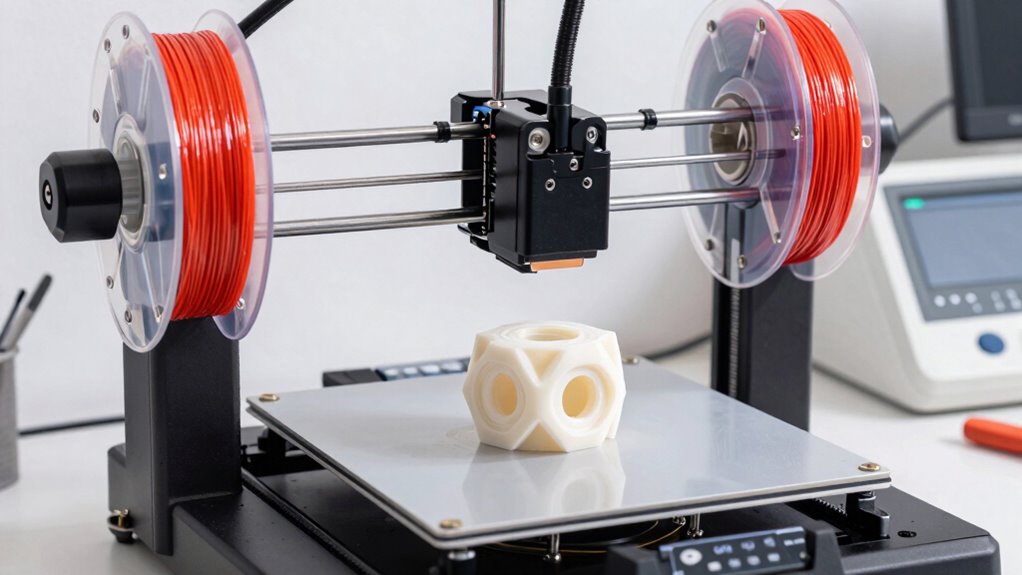
Starting with a 3D printer can seem overwhelming, especially if you’re new to the technology. The good news is, once you understand the basics, you’ll find it’s a rewarding tool for creating everything from prototypes to art. One of the first things to contemplate is the variety of filament types available. Filaments are the materials used in 3D printing, and each type offers different properties. The most common are PLA, ABS, and PETG. PLA is user-friendly, biodegradable, and great for beginners. ABS is stronger and more heat-resistant, ideal for functional parts, but it can emit fumes during printing. PETG combines strength and flexibility, making it versatile. Understanding these filament types helps you pick the right material for your project, ensuring successful prints and reducing frustration.
Choosing the right filament—PLA, ABS, or PETG—sets the foundation for successful 3D printing projects.
Next, you’ll want to pay attention to print resolution, which directly affects the quality of your finished product. Print resolution is measured in layer height, usually in millimeters, and determines how detailed your print will look. A lower layer height—like 0.1mm—produces finer details and smoother surfaces, but it takes longer. Higher layer heights, such as 0.3mm, print faster but may result in a rougher finish. As a beginner, balancing print resolution with print speed is key. You might start with a standard 0.2mm layer height to get decent quality without excessive printing time. Over time, you’ll learn how to tweak these settings to suit your specific needs, whether you’re making detailed miniatures or quick prototypes. Additionally, being aware of print resolution helps you optimize your prints for both speed and quality, depending on your project goals. Familiarizing yourself with 3D printing materials and their properties can further improve your success rate and the durability of your prints.
It’s also helpful to understand the importance of print bed adhesion, as a properly prepared bed can prevent warping and failed prints, saving you time and material. You should also familiarize yourself with the printer’s build volume, which restricts the maximum size of your prints. Most entry-level 3D printers have a build volume that’s sufficient for small to medium projects. Knowing this helps you plan your designs accordingly. Additionally, consider the ease of setup and user interface. Many beginner-friendly models come with touchscreen controls and straightforward assembly, making it easier to get started without a steep learning curve.
Finally, remember that 3D printing involves some trial and error. You’ll need patience as you learn to calibrate your printer, select the right filament, and adjust print settings like resolution. But once you get the hang of it, you’ll find the process increasingly intuitive and satisfying. Starting with the right knowledge about filament types and print resolution puts you on the path to creating impressive, high-quality prints with confidence.

FLASHFORGE Adventurer 5M 3D Printer with Fully Auto Leveling, Max 600mm/s High Speed Printing, 280°C Direct Extruder with 3S Detachable Nozzle, CoreXY All Metal Structure, Print Size 220x220x220mm
One-Click Automatic Printing: Experience hassle-free 3D printing with the Adventurer 5M Series. Enjoy automatic bed leveling for flawless…
As an affiliate, we earn on qualifying purchases.
As an affiliate, we earn on qualifying purchases.
Frequently Asked Questions
Can I Use Any Filament Type With My 3D Printer?
You can’t use any filament type with your 3D printer because filament compatibility varies. Check your printer’s specifications to see which materials it supports, like PLA, ABS, or PETG. Material flexibility is key—using incompatible filaments can damage your printer or produce poor results. Always stick to recommended filaments for the best quality and to avoid issues, ensuring safe and successful 3D printing experiences.
How Loud Are 3D Printers During Operation?
You’ll find that many 3D printers produce noise levels similar to a loud conversation or a vacuum cleaner, which can be disruptive. However, with sound mitigation techniques like enclosures or dampening mats, you can markedly reduce noise during operation. This makes your 3D printing experience more comfortable, especially if you print frequently or in shared spaces. Noise levels vary based on printer design and settings, so choosing a quieter model helps too.
What Is the Typical Lifespan of a 3D Printer?
The typical lifespan of a 3D printer varies but generally ranges from 2 to 5 years, depending on usage and maintenance. Regular printer maintenance, like cleaning and part replacement, extends its life. Guarantee compatibility with different filaments to avoid damage or clogging, which can shorten lifespan. Proper care and using the right filament will help you get the most out of your 3D printer and maximize its longevity.
Do All 3D Printers Require Internet Connectivity?
No, not all 3D printers require internet connectivity—some are charmingly old-school. However, if you want wireless connectivity and seamless firmware updates, you’ll need a model that’s internet-ready. Without it, you’re stuck transferring files via USB, which is like sending a telegram instead of a text message. So, if convenience is your thing, prioritize a printer with Wi-Fi or Ethernet to keep your workflow smooth and up-to-date.
Is It Safe to Operate a 3D Printer at Home?
Yes, it’s safe to operate a 3D printer at home if you follow safety precautions and guarantee proper ventilation. Keep your workspace well-ventilated to avoid fumes from heated plastics, and always use the printer in a well-ventilated area. Additionally, monitor the printer during operation, keep flammable materials away, and follow manufacturer guidelines. These steps help prevent accidents and ensure safe, enjoyable 3D printing at home.

Official CREALITY PETG 3D Printer Filament 1.75mm 1KG (2.2lbs), High Precision Strong Toughness, Odorless Better Flow Moistureproof 3D Printing Ender Filament
【Creality CR-PETG Filament】Creality CR-PETG combines the benefits of PLA and ABS to reach Eco-friendly and odorless performance. This…
As an affiliate, we earn on qualifying purchases.
As an affiliate, we earn on qualifying purchases.
Conclusion
As you immerse yourself in 3D printing, remember it’s like holding a tiny universe in your hands—full of endless possibilities. Each layer you create is a building block of your imagination, shaping your world one design at a time. Embrace the journey, knowing that with every print, you’re forging a future where your ideas come to life—like a seed sprouting into vibrant new creations. Your creative universe awaits—start building today.

Creality 3D Printer Glue Sticks for Hot Bed Warping Reducing 3D Printer Bed Adhesive PVP Solid 3D Print Glue Stick 3D Gloop for PLA/ABS/PETG/PC/PA/TPU(Pack of 4)
Quality Assurance: Produced by Creality, our 3D printer glue sticks guarantee reliability and consistent performance
As an affiliate, we earn on qualifying purchases.
As an affiliate, we earn on qualifying purchases.

Premium 3D Print Removal Tool Kit – Durable 3D Printer Tools with Sturdy Comfort Grips, Sharp and Hardened Blades for Easy Separation of Prints, Knife and Spatula Set of 2 – Enhanced Version
Durable, rigid construction; Solid rivets keep the blades in place, no more repurposed artist palette spatulas with spinning,…
As an affiliate, we earn on qualifying purchases.
As an affiliate, we earn on qualifying purchases.