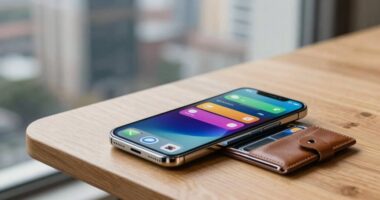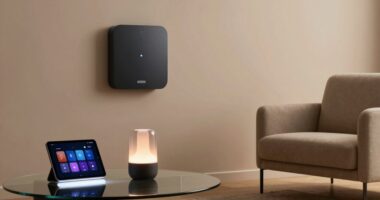

When you say a device feels smart, you’re noticing how seamlessly it interacts with you, anticipating your needs, and aligning with your expectations. It feels intuitive because the device responds quickly, mimicking understanding through clever algorithms and natural interactions. Visual design and clarity also boost this perception. Your trust depends on transparency and privacy, making the experience feel more genuine. To understand what truly shapes this perception, keep exploring how design, response, and routine integration work together.

Get business pricing on tech for your team
- Business-only prices and quantity discounts
- Tax-exempt purchasing
- Multiple users, one account, clear invoices
Key Takeaways
- Consumers perceive devices as smart when they respond naturally and anticipate needs seamlessly.
- A device’s quick, accurate, and intuitive responses foster the illusion of understanding.
- Visual design, clarity, and responsiveness enhance the perception of intelligence and trust.
- Transparency about data and privacy influences how smart a device is perceived.
- Effortless integration into daily routines makes a device feel more intelligent and user-friendly.

Have you ever wondered what makes a gadget feel truly “intelligent” to you? It’s not just about the features or the tech specs; it’s about how you perceive and interact with that device. Your perception plays a huge role in whether a device feels clever or just ordinary. When you say a device is “smart,” what you’re really describing is how well it matches your expectations and how natural it seems to use. This is where technological intuition comes into play — your subconscious sense that the device understands your needs, responds appropriately, and makes your life easier.
Perceived intelligence depends on how naturally a device meets your expectations and interacts seamlessly with your needs.
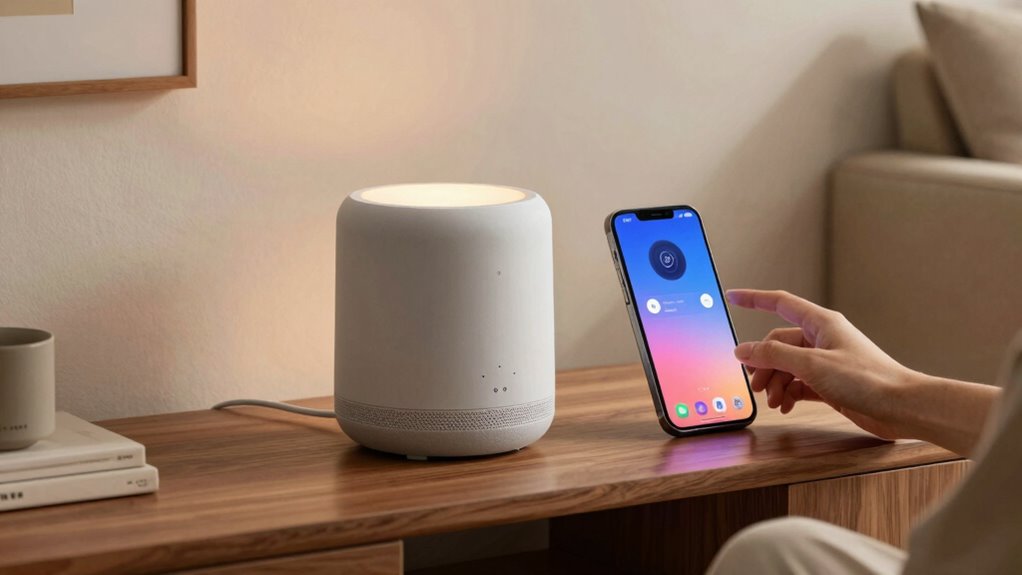
You might notice that a “smart” device seems to anticipate your actions or adapt to your preferences without you having to do much. That’s the essence of user perception shaping the illusion of intelligence. For example, when your smart speaker recognizes your voice or learns your favorite music, it creates an impression that it “knows” you. It’s not that the device truly understands you in a human sense, but it’s designed to mimic understanding in a way that feels seamless and intuitive. This intuitive interaction is key to making technology feel smarter; it’s about the device fitting into your routine so effortlessly that it appears to have a form of artificial “common sense.”
Technological intuition, in this context, is the system’s ability to seem perceptive, almost like it has a mind of its own. It’s crafted through clever algorithms that interpret your commands, analyze your habits, and respond in ways that feel natural. When a device responds quickly and accurately, you don’t think about the mechanics behind it. Instead, you perceive a kind of almost human-like awareness. That’s what makes a device feel clever — its capacity to create this illusion of understanding and responsiveness, which hinges on how well it aligns with your expectations and perceptions. Recognizing the importance of user perception helps explain why some devices feel more “intelligent” than others, even if they have similar technical specifications. Additionally, privacy policies and how transparent a company is about data collection can influence your trust and perception of the device’s intelligence.
Furthermore, the role of color accuracy and other visual elements in devices can significantly influence how “smart” they seem, as a well-calibrated display enhances user experience by providing clear and vibrant visuals. Ultimately, what makes a device truly feel intelligent to you is how well it taps into your user perception and satisfies your technological intuition. It’s not just about the technology itself but about how it integrates into your daily life in a way that feels intuitive and effortless. When a device anticipates your needs or responds seamlessly, it reinforces that sense of intelligence. That’s the magic behind the feeling of “smartness” — a perfect blend of design, responsiveness, and your perception of its understanding.
smart speaker with voice recognition
As an affiliate, we earn on qualifying purchases.
As an affiliate, we earn on qualifying purchases.
Frequently Asked Questions
How Do Consumers Measure a Device’s Perceived Intelligence?
You gauge a device’s perceived intelligence through contextual cues like how well it responds to your commands and adapts to your habits. Brand reputation also plays a vital role; if a brand is known for innovative, reliable products, you’re more likely to see its devices as smart. These cues help you quickly assess whether the device understands you and integrates seamlessly into your daily life.
Does “Smart” Always Mean More User-Friendly?
No, “smart” doesn’t always mean more user-friendly. Sometimes, a sleek aesthetic appeal can make a device seem smarter, but it might sacrifice ease of use. The real test lies in the user experience—how effortlessly you navigate its features. A device that looks intelligent on the outside might hide complex controls, while a truly smart device simplifies your life. So, don’t assume “smart” guarantees better usability.
Can a Device Feel Smart Without AI Features?
Yes, a device can feel smart without AI features. You notice this through its voice recognition capabilities, which make interactions feel seamless, and its aesthetic design, which enhances your overall experience. When a device responds promptly to your voice commands and looks stylish, it creates an impression of intelligence, even if it doesn’t have advanced AI. These elements together give you that “smart” feel without relying solely on AI technology.
How Does Device Design Influence Perceptions of Intelligence?
Your perception of a device’s intelligence is heavily influenced by its design aesthetics and how it meets your user expectations. Sleek, intuitive designs make the device seem smarter because they suggest ease of use and advanced functionality. When the design aligns with your expectations of modern technology—like clean lines and responsive interfaces—you naturally perceive the device as more intelligent, even if it lacks complex AI features.
Are There Differences in How Various Age Groups Perceive Smart Devices?
Imagine holding a sleek, glowing device that feels like it understands you—your age influences how you see its sophistication. Younger users often crave cutting-edge features, seeking perceived sophistication, while older generations value simplicity and reliability. Intergenerational preferences shape perceptions, making some see devices as genuinely smart, while others view them as flashy or basic. Your age influences whether you find a device intuitive or overwhelming, shaping your overall experience.
intuitive home automation devices
As an affiliate, we earn on qualifying purchases.
As an affiliate, we earn on qualifying purchases.
Conclusion
So, next time you say a device feels “smart,” remember it’s not just about fancy features or voice commands. It’s about how seamlessly it fits into your life, making everyday tasks feel like a breeze—almost like having a tiny, genius assistant in your pocket. When a device truly feels smart, it’s as if magic has become part of your daily routine. And honestly, that’s more impressive than a rocket ship taking off!
privacy-focused smart home gadgets
As an affiliate, we earn on qualifying purchases.
As an affiliate, we earn on qualifying purchases.
seamless routine integration smart devices
As an affiliate, we earn on qualifying purchases.
As an affiliate, we earn on qualifying purchases.
Halloween Picks
halloween
As an affiliate, we earn on qualifying purchases.