
TL;DR

Get business pricing on tech for your team
- Business-only prices and quantity discounts
- Tax-exempt purchasing
- Multiple users, one account, clear invoices
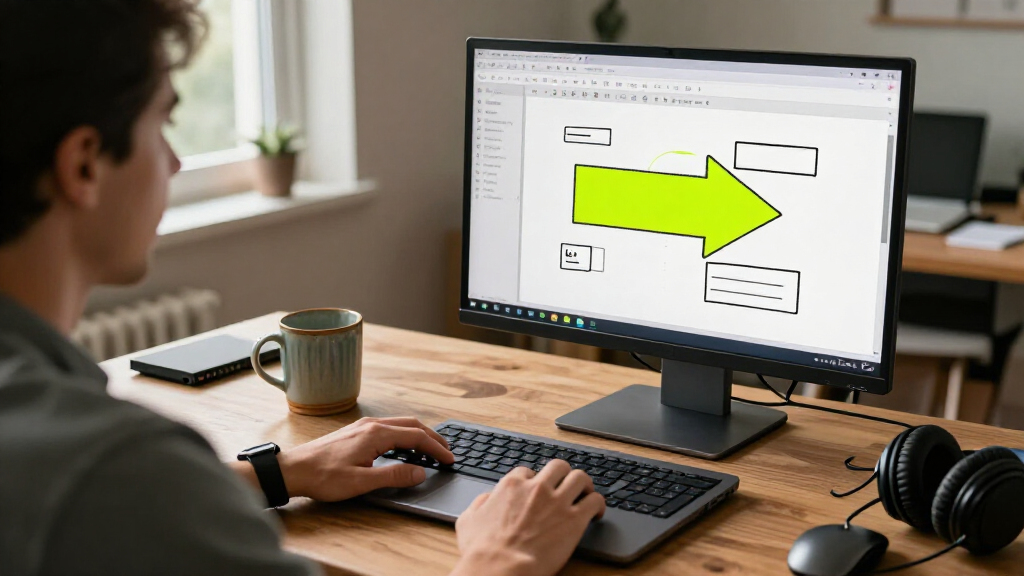
Bigarrow is a MIT-licensed macOS command-line tool, introduced in a Show HN post, that lets AI agents draw arrows, boxes and text over app windows to guide a person. The developer says it does not click, type or capture the screen; it is intended for handoffs where a person must take an action or wants visual guidance.
A developer has introduced Bigarrow, a MIT-licensed macOS command-line tool that lets AI agents place arrows, boxes and text over application windows to direct a person to an on-screen control. The tool is designed for situations where an agent can identify the next step but should leave the click to the user, such as a permission prompt or sign-in challenge.
Bigarrow’s GitHub project describes a single Swift binary that can point to an interface element by its label and app, or to a screen coordinate. It can also be used to mark a window, add a written instruction, and choose visual options including arrow direction, color and shape. The project provides an installation command through Homebrew and a skill installer for Claude Code and Codex.
The developer says the annotations appear in a transparent window above other windows and across displays and macOS Spaces. The project states that drawing requires no macOS permission and that the program has no daemon, menu-bar icon, account or telemetry. Those are claims in the project documentation; the supplied material does not include an independent security review.
The distinction from automation tools is central to the product: according to the project, Bigarrow does not click, type or take screenshots. Its examples include guiding someone through System Settings, identifying a browser tab, or placing a copyable code beside a sign-in field. An arrow can disappear automatically after a set duration, be stopped manually, or be tied to the process that created it.
A Visual Handoff to the User
AI agents increasingly handle tasks across desktop applications, but some steps still require a person to make a decision or provide a credential. A terminal message telling someone to approve a prompt may be easy to miss; an annotation placed over the relevant control can make the handoff visible in the app itself.
That limited role also sets a boundary: Bigarrow is presented as a way to guide rather than act. Users remain responsible for approving permissions, entering authentication details, and completing other sensitive steps. The tool could also help with demonstrations or remote assistance, though the source material provides examples from its developer rather than independent evidence about user adoption or effectiveness.
Products Worth Considering

Samsung 27-inch Odyssey OLED G6 QD-OLED QHD Gaming Monitor

Bose QuietComfort Ultra Wireless Noise-Cancelling Headphones with Spatial Audio, Black

Apple MacBook Air 13-inch with M5 chip, 16GB memory, 1TB SSD, and 12MP Center Stage camera (Midnight)
As an affiliate, we earn on qualifying purchases.
Designed for Agent Pauses
The project frames its use around moments when an agent reaches an action it cannot or should not perform, including permission requests, OAuth consent, two-factor authentication and payment or signature steps. It also describes instructional uses, such as pointing someone through a sequence of controls in an app.
Bigarrow offers two basic interaction patterns: a temporary point that removes itself, and a persistent annotation that can be stopped with a command. The repository includes sample workflows and screenshots, as well as a PDF guide created with the tool. The source identifies macOS 14 or later and Xcode 16 or later for building from source; it does not provide comparative tests against other annotation or agent tools.
“It only points.”
— Bigarrow project documentation
Adoption and Safeguards Unverified
The supplied source is the project’s own GitHub documentation, so its descriptions of behavior and privacy have not been independently verified here. The material does not provide external testing, a security audit, adoption figures, or user feedback. It also does not establish how reliably the tool identifies interface elements across different apps, layouts or display configurations.
The project’s stated limits mean Bigarrow itself does not complete the human’s action. The source does not explain what safeguards agent integrations use to decide when to request a handoff, or how they verify that a person has finished the step. The publication date of the Show HN post is also not included in the material provided.
Installation and Project Updates
Readers can review the source, installation instructions and supported commands in the Bigarrow GitHub repository. The project documents installation through Homebrew, with an additional command to install skills for Claude Code and Codex. No release schedule, roadmap milestone or upcoming feature date is specified in the supplied material.
Further evaluation would depend on testing the tool on supported macOS setups and reviewing how agent integrations invoke it in practice. Until such information is available, claims about reliability, privacy and usefulness should be treated as project statements rather than independently established findings.
Key Questions
What is Bigarrow?
Bigarrow is a macOS command-line utility that draws arrows, boxes and text over application windows to show a person where to look or click.
Can Bigarrow click or type for the user?
No. The project says the tool only points; it does not click, type or capture screenshots. The person completes the indicated action.
Which AI agent tools does it support?
The repository provides an agent skill installer for Claude Code and Codex. The supplied information does not establish support for other agent products.
How can someone install it?
The project documents a Homebrew installation command and instructions to build from source. Its documentation lists macOS 14 or later and Xcode 16 or later for the source build.
Has Bigarrow’s security or reliability been independently tested?
The supplied source does not include an independent security audit or comparative reliability testing. Statements about permissions, telemetry and operation come from the project documentation.
Source: hn